
Photoshop has been a magical lifesaver for me as a Wedding Photographer. Last week I shared a short reel on Instagram about a recent project I created for a client. It is pretty basic–nothing fancy or terribly creative. It is just a run of the mill kind of thing that Photoshop is very good tool for. So here we go:
Photoshop Magic Behind the Scenes
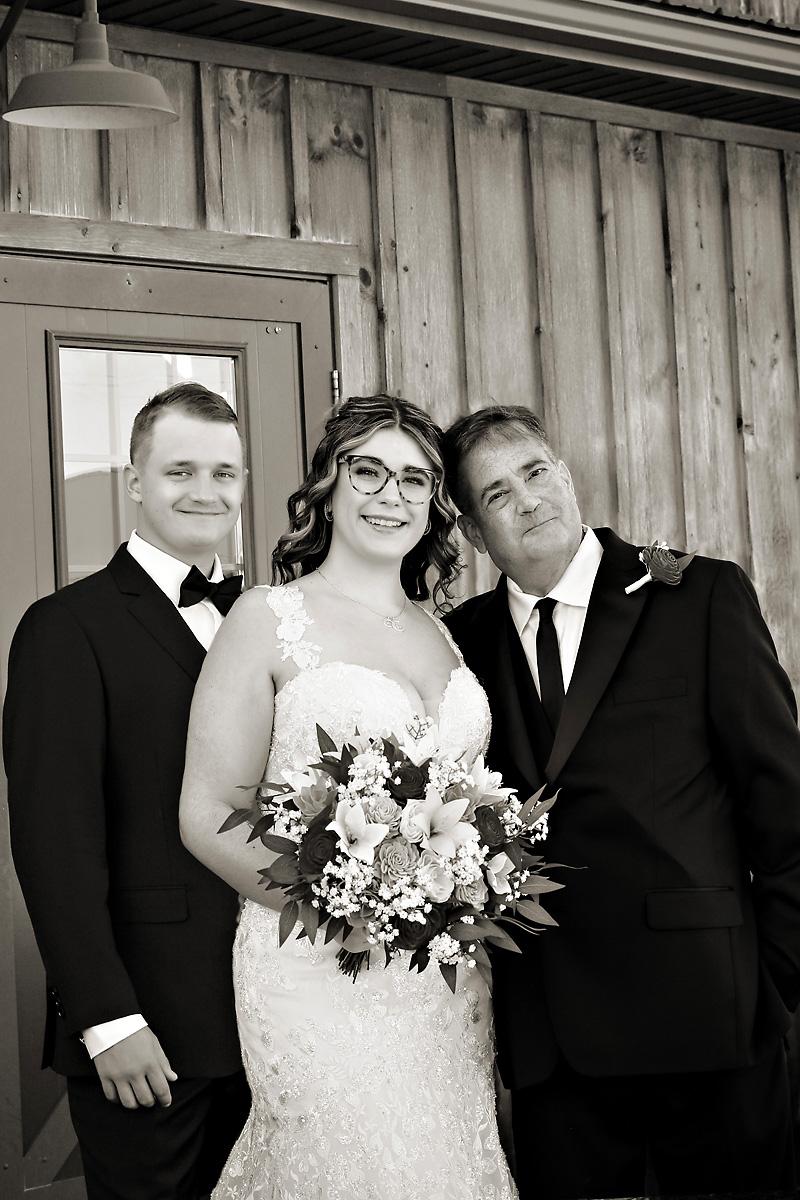
The Backstory: I photographed a wedding last fall at Hansen Hill Farm for the lovely Bella and Connor. At weddings, we make every effort to get all the Family photos the Bride and Groom want. However, sometimes in spite of our best efforts, something/someone falls through the cracks. At this wedding, the Bride and Groom opted to not do a First Look. This meant we photographed the Bride with her family and the Groom with his family after the Ceremony. When the Cer3emony was done, we did photos of the Bride and Groom with some of the family members. As it happened, Bella’s Dad was missing during the later Family photo session.
Bella contacted me and asked if we could possibly do something to get a photo of her, Connor and her Dad. As a Wedding Photographer of many years, I recognize how important Family Photos are. So of course we can.
Photoshop Magic–Where To Begin
When creating a composite like the one Bella requested, we have to first see if we have images that will actually work well together when composited. Ideally, the background and lighting should be the same or similar. Therefore, although the Family Formals after the Ceremony were createed at the same spot as the ones before, they just would not have combined well. The lighting was different as they were at different times of the day. The color was also slightly different, again because they were different times of day. We want the final image to be believeable. Here are the two images I found from before the Ceremony:
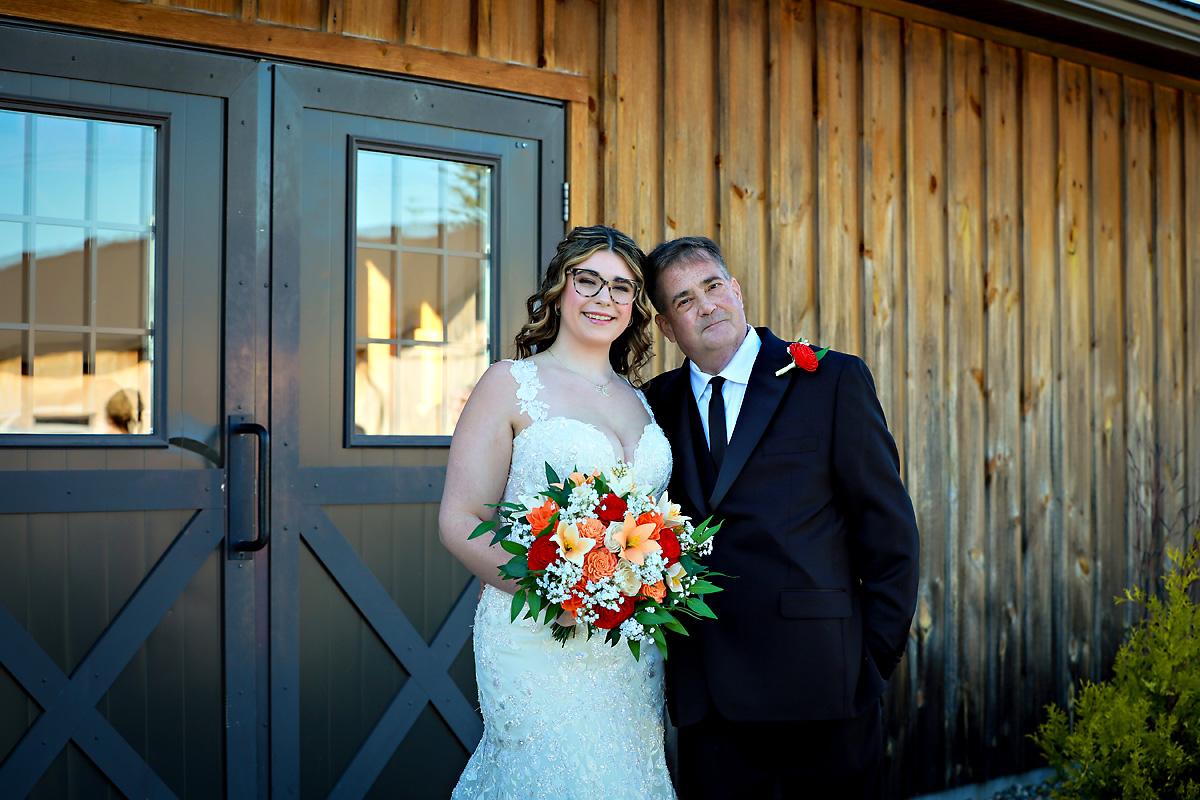
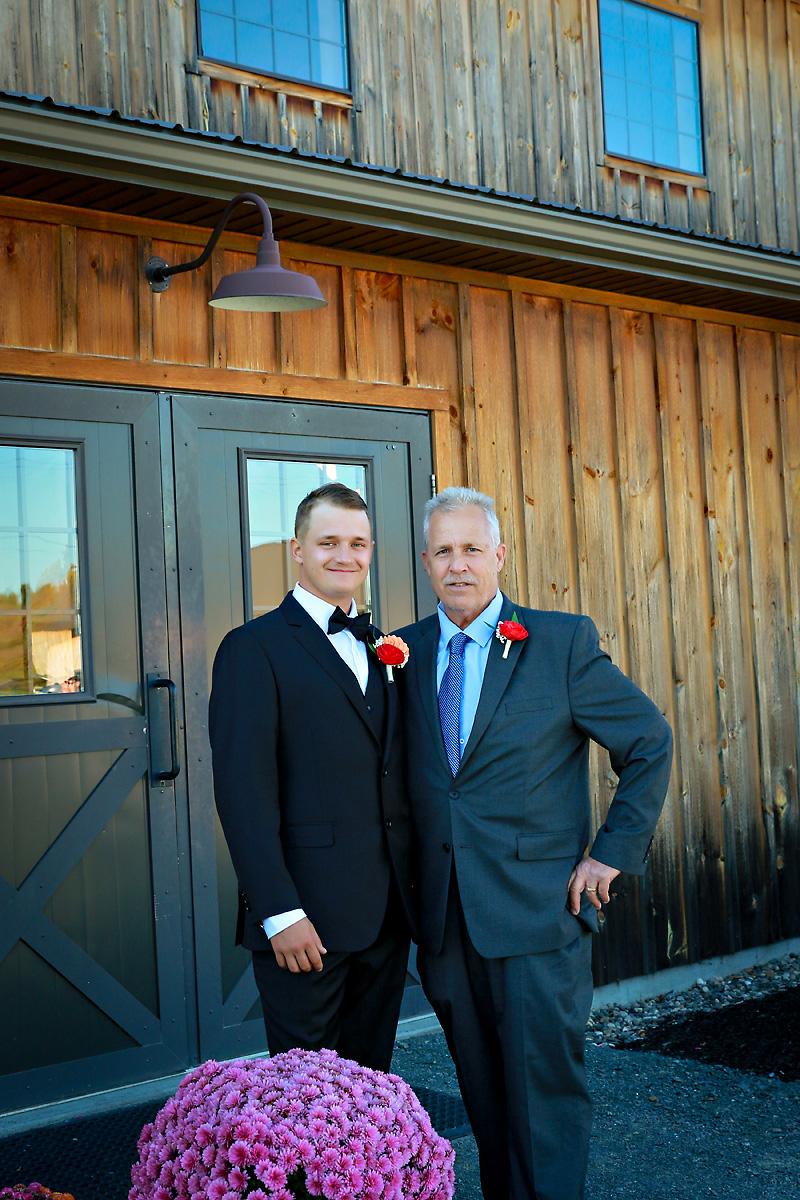
I knew these two images would work well together because the lighting was the same, as was the background. All I needed to do was select and copy the figures of Bella and her Dad. They were then pasted over Connor’s Dad:
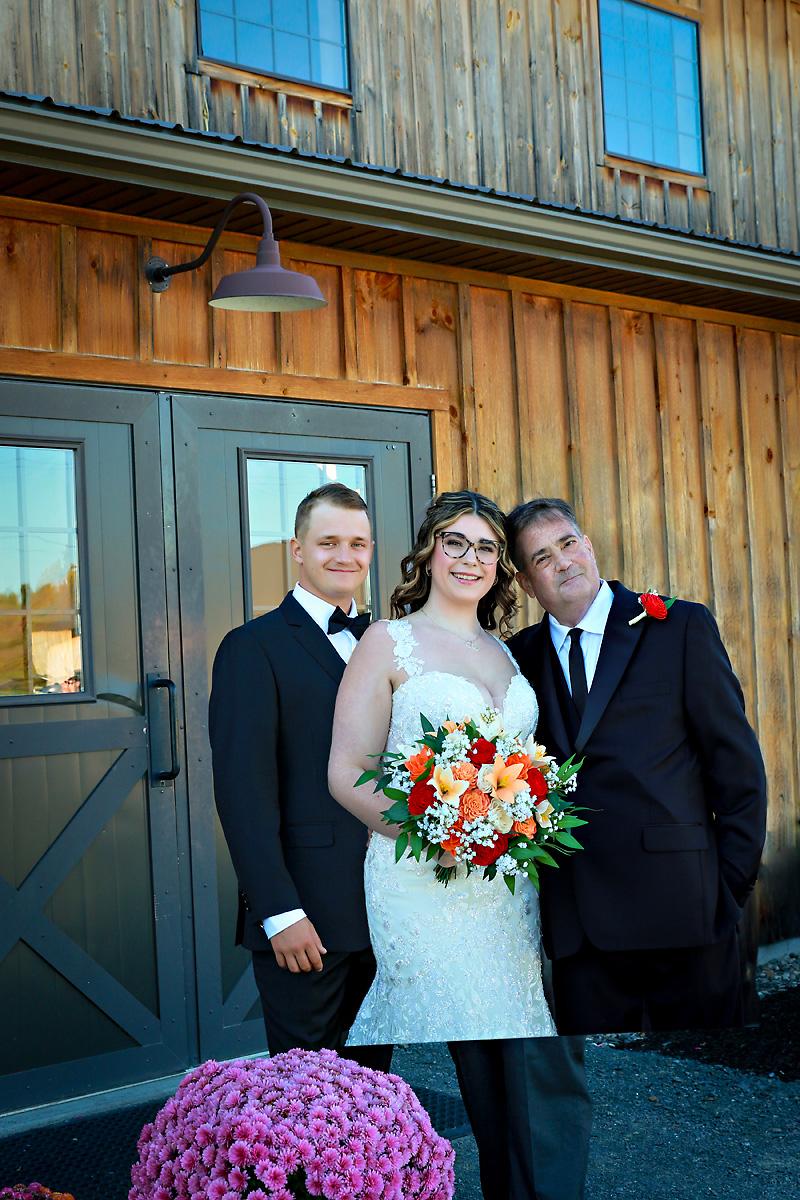
Obviously we cannot deliver this the way it is to the client. LOL. Because one image was shot vertically and one was horizontal, it would not be perfect. I knew going into this project that we would need to do some final cropping to make an acceptable image for the client.
Photoshop Behind the Scenes Magic Results:
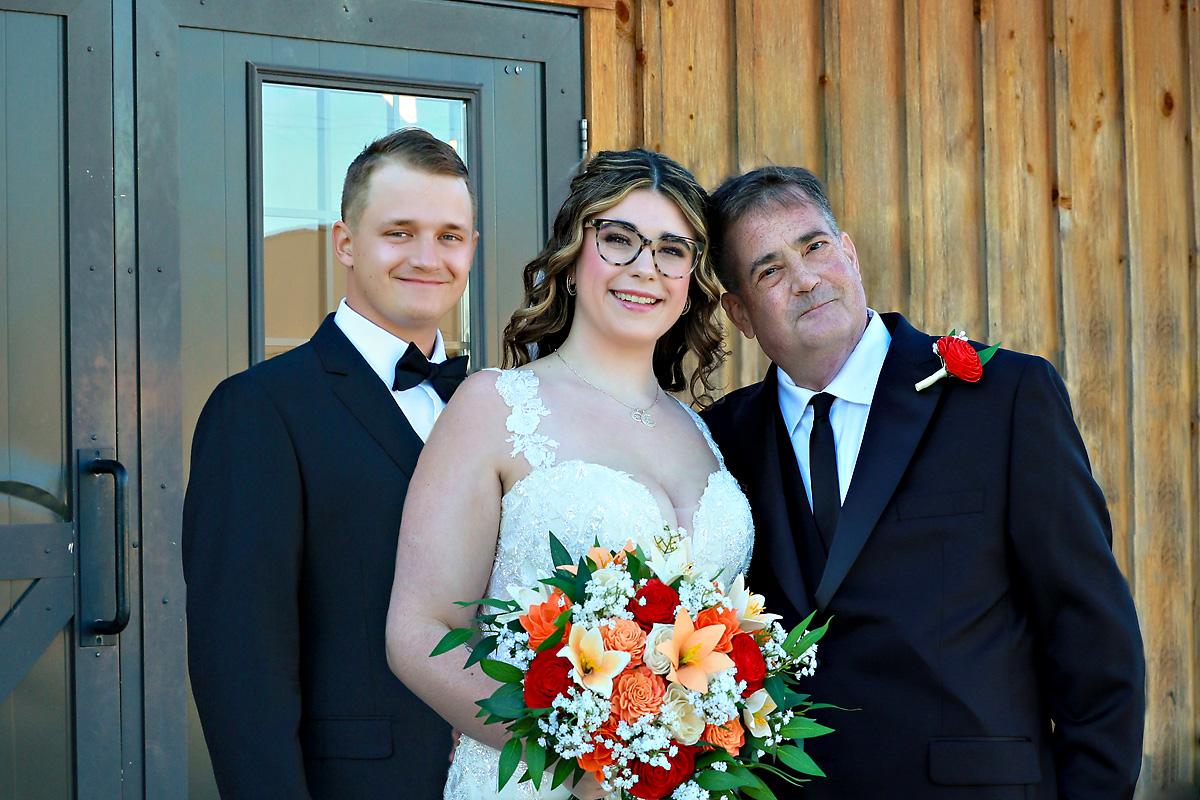
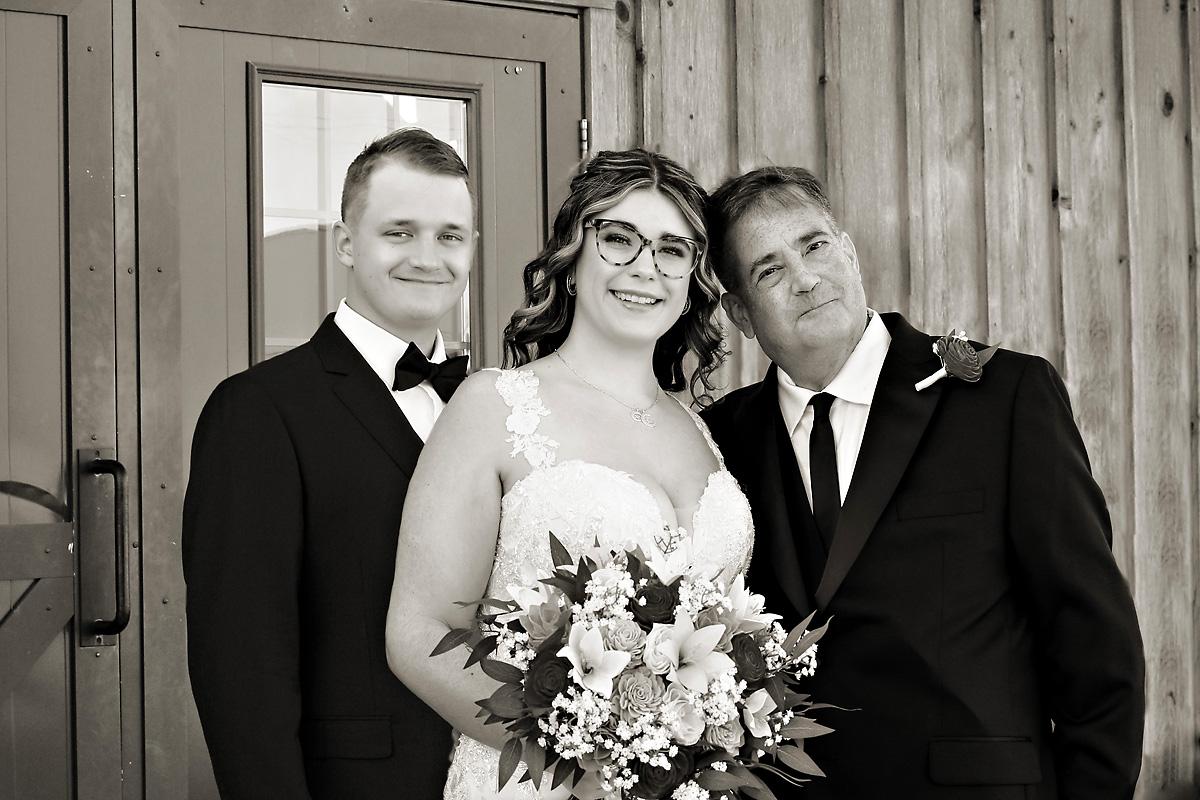
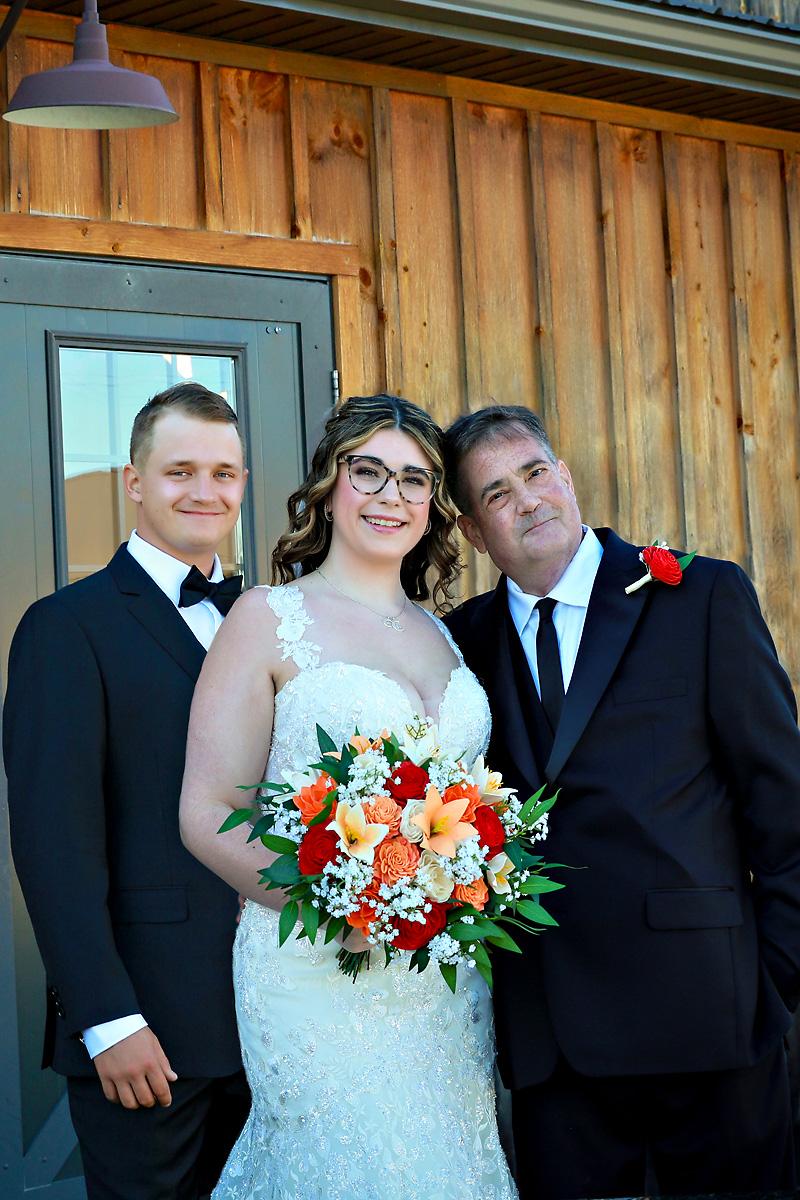
So here are the final results of the composite project:
Final Thoughts
It is always best to get the image in camera and not have to spend time later creating composites. However, sometimes things just happen that you have no control over. That is where compositing things in Photoshop is great. The key is to keep it believable.
If you enjoyed this Behind the Scenes post, you might also enjoy our post about The Advantages of Both Color and Black and White Wedding Photos.
To get in touch, please use our Contact Form or call the Studio directly at (518) 584-4237 today.